
Remaining fuel
See what remains in grams and as a percentage.
CAMP FUEL, MADE SIMPLE
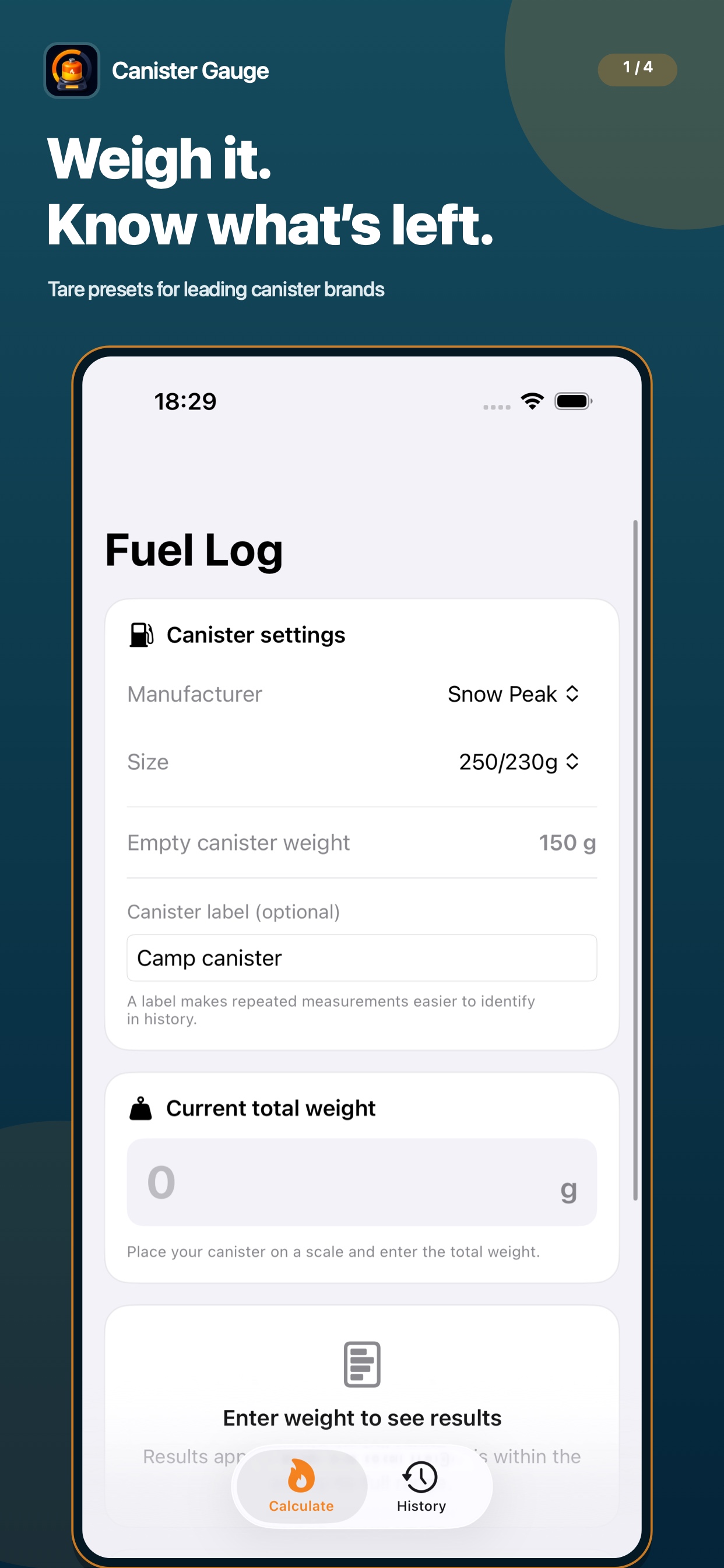
Weigh it.
Know what’s left.
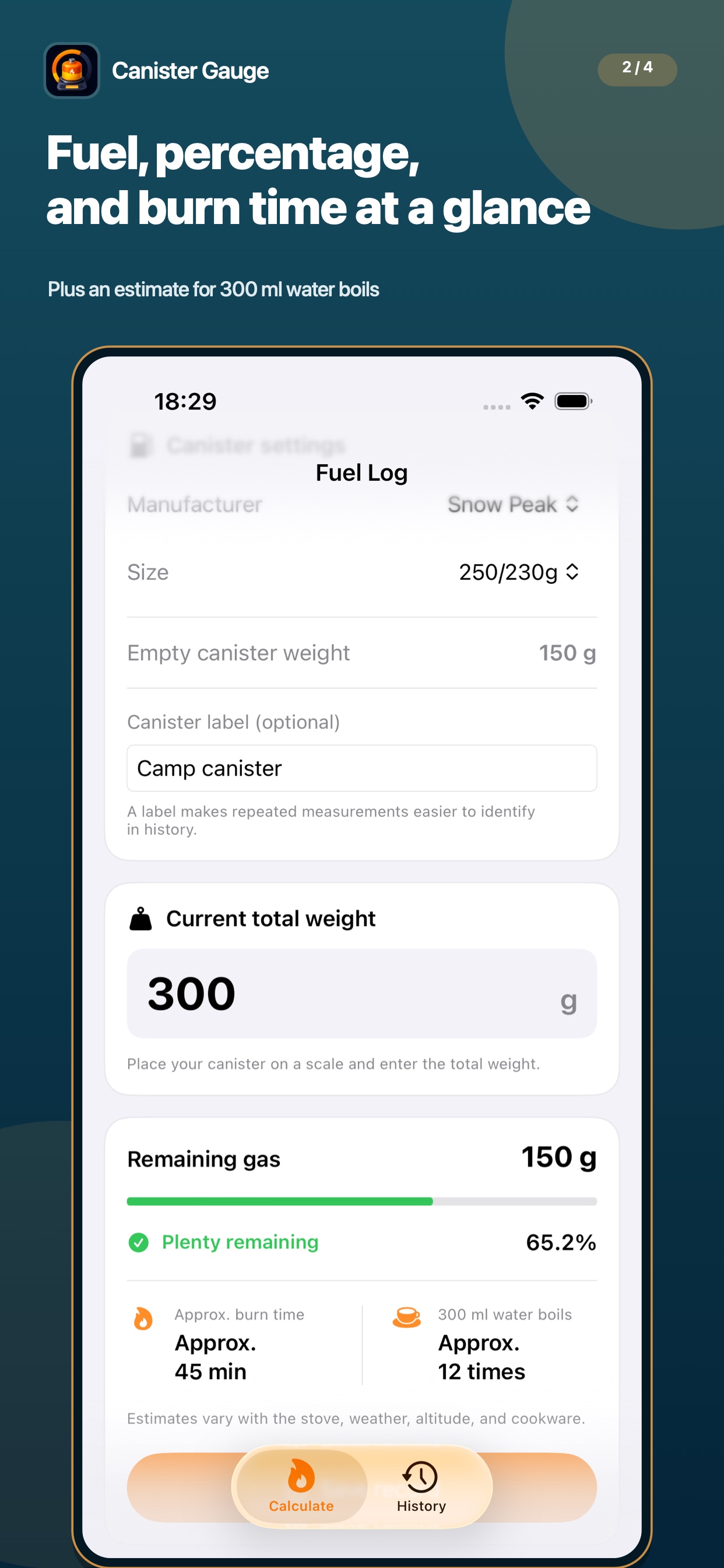
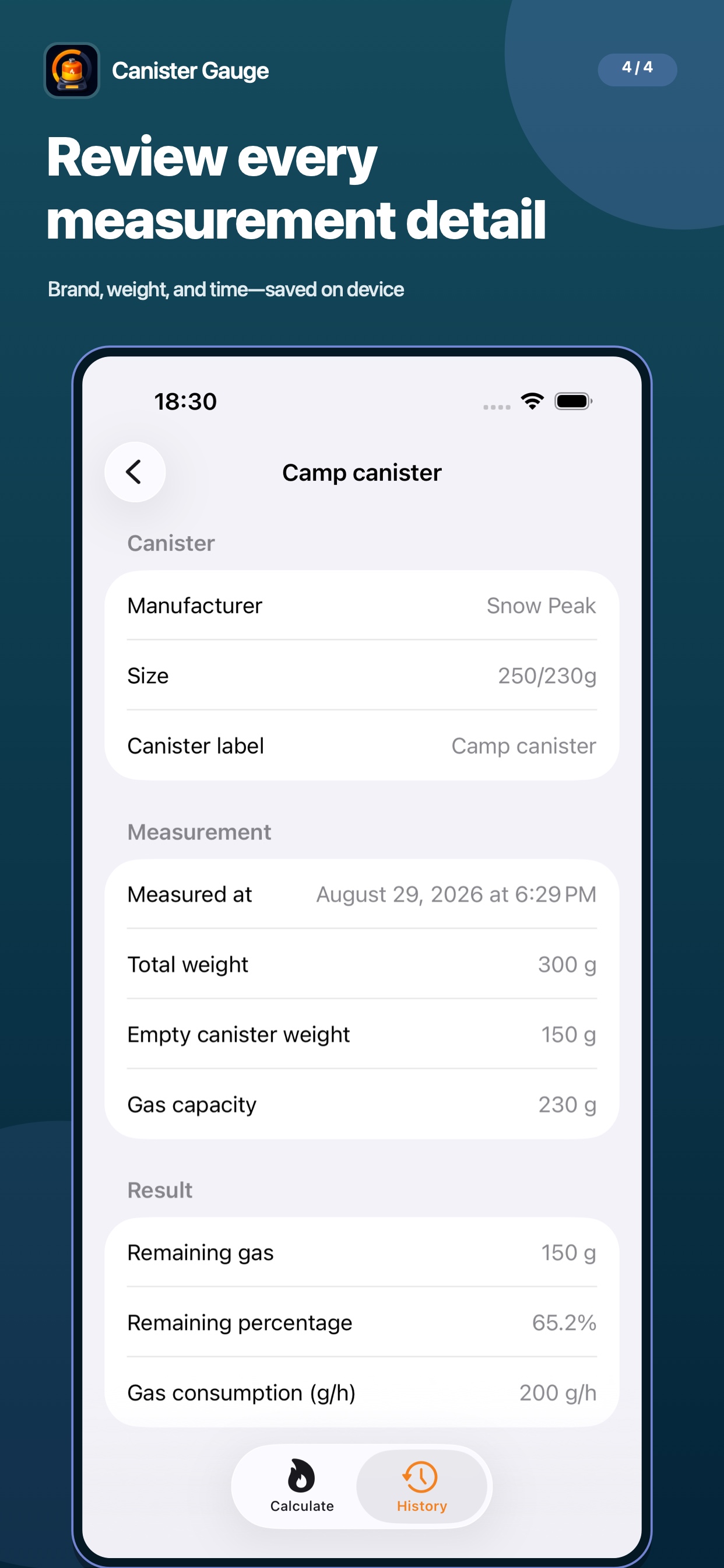
See remaining fuel, percentage, estimated burn time, and water boils at a glance. Save used canisters to your history and pack with confidence.
WHY CANISTER GAUGE
Select the manufacturer and size, then enter the total weight shown on your scale. Canister Gauge subtracts the empty canister weight and calculates the fuel that remains.
HOW IT WORKS
Choose from tare presets for leading brands.
Place the canister on a scale and enter the total.
View fuel, percentage, and estimated burn time.
APP PREVIEW
FEATURES
See what remains in grams and as a percentage.
Estimate usable time from your stove’s fuel consumption.
Check approximately how many times you can boil 300 ml.
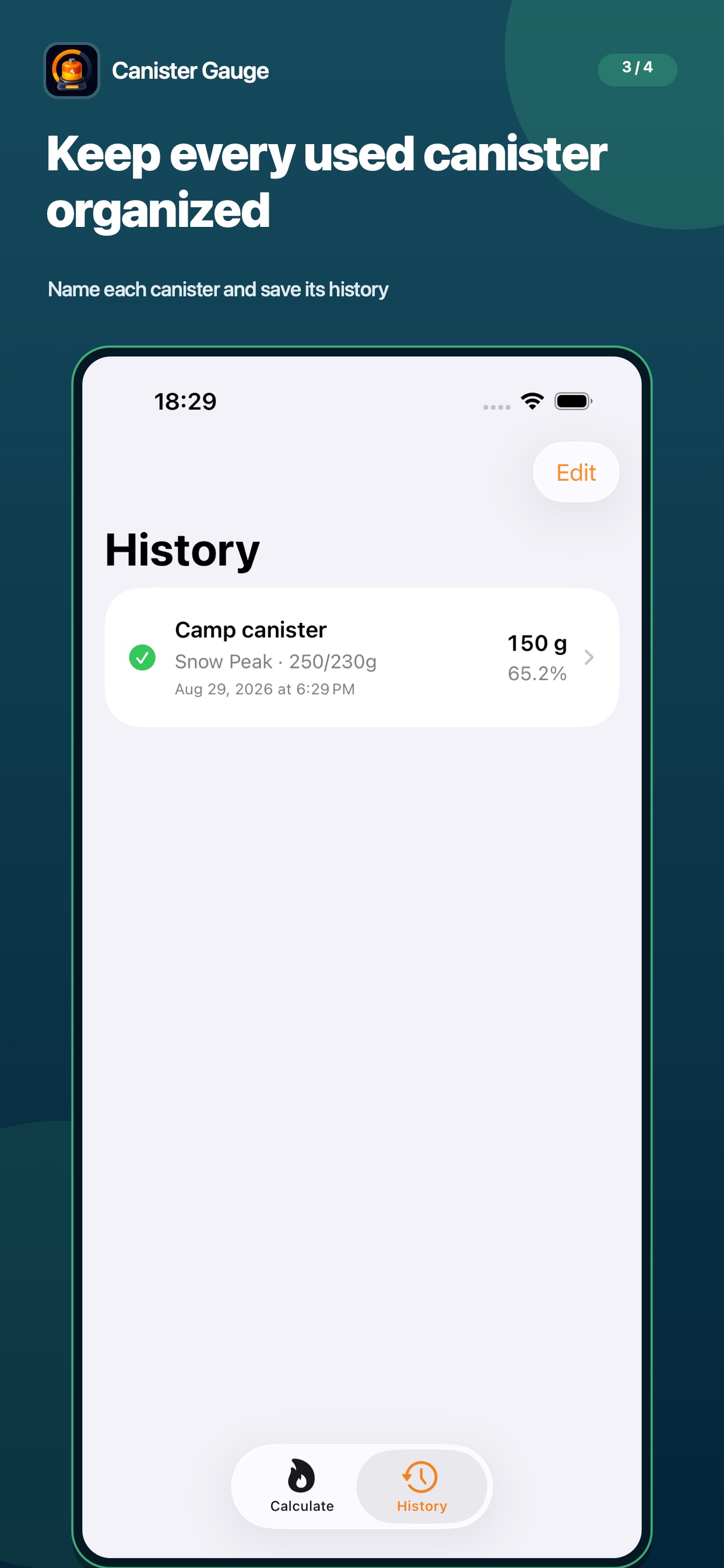
Label and save canisters so each one is easy to identify.
Use built-in tare presets or enter your own canister values.
No account required. Your measurement history stays on device.
Fuel, burn-time, and water-boil figures are estimates. Actual results vary with equipment, temperature, altitude, wind, and other conditions. Always follow the safety instructions supplied with your fuel and equipment.
READY FOR THE NEXT TRIP
SUPPORT
PRIVACY
This policy describes how Resoto Apps (“we”) handles user information in Canister Gauge (“the app”).
To calculate remaining fuel and show history, the app stores weights, canister labels, settings, and calculation results entered by the user on the device.
Entered information is used only for calculations and for saving and displaying measurement history within the app.
Entered information and measurement history are not transmitted to us or to third parties. The app may connect to update manufacturer tare-weight data, but information entered by the user is not sent.
Information stored on the device is deleted when the app is removed.
Effective: April 13, 2026 · Last updated: August 29, 2026